
← Lexmark E210 — все главы инструкции
Глава «Printer Preparation» сервис-мануала Lexmark E210. Ниже — страницы и схемы этого раздела из оригинального сервис-мануала с переводом подписей. Остальные главы — в оглавлении инструкции, запчасти — в каталоге со схемами и артикулами.
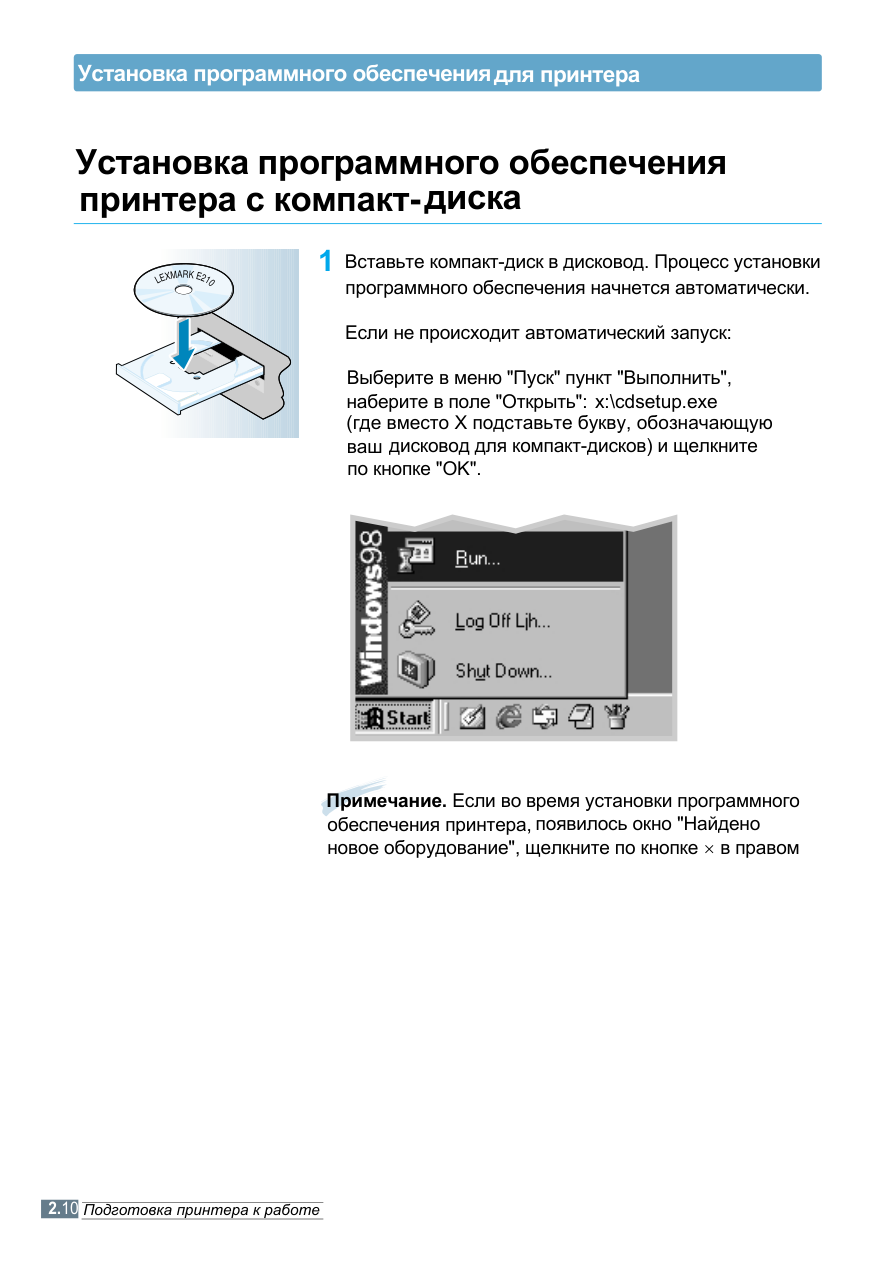
2 Click on "Install the Lexmark Software on your PC".
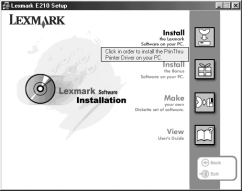
of software".
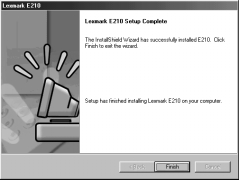
is complete, click the "Close" button in the "Copy to Floppy" dialog box. Then click the "Exit" button in the Lexmark printer dialog box.
Смотрите также
- Следующая глава: Print Materials
- Все главы инструкции по ремонту Lexmark E210