
← Lexmark E210 — все главы инструкции
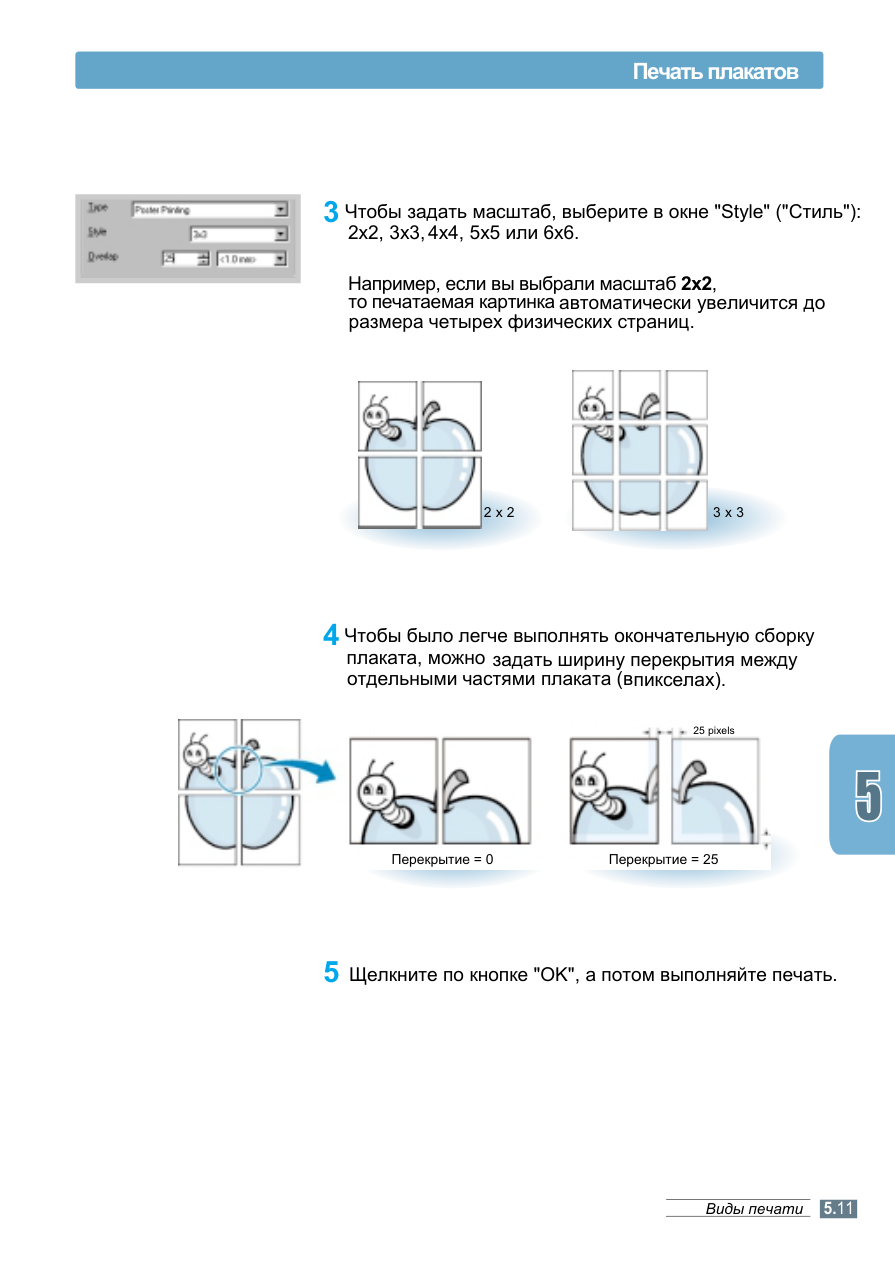
Глава «Print Types» сервис-мануала Lexmark E210. Ниже — страницы и схемы этого раздела из оригинального сервис-мануала с переводом подписей. Остальные главы — в оглавлении инструкции, запчасти — в каталоге со схемами и артикулами.
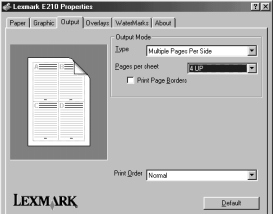
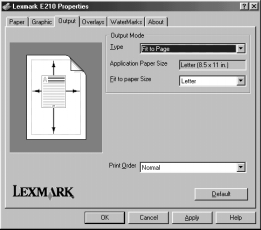
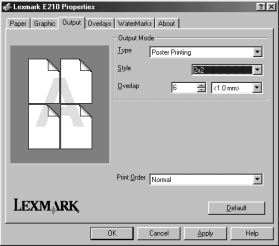
Click on the "Output" tab and select "Fit to Page" from the "Type" list.
In the "Fit to Paper" dropdown list, select the appropriate format.
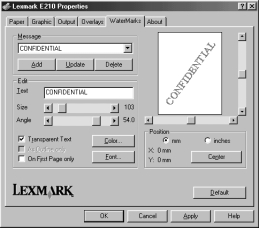
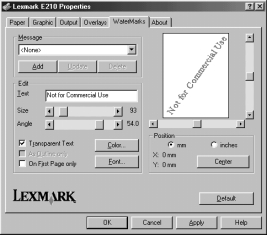
As Outline Only – Only the outline of the text background image is printed. This setting applies immediately to all background images on the page.
On First Page Only – The background image will be printed only on the first page of the document.
Смотрите также
- Предыдущая глава: Print Materials
- Следующая глава: Printer Troubleshooting
- Все главы инструкции по ремонту Lexmark E210